

June 17, 2026
How Copilot Cowork Compares to Claude and ChatGPT
How Copilot Cowork Billing Works
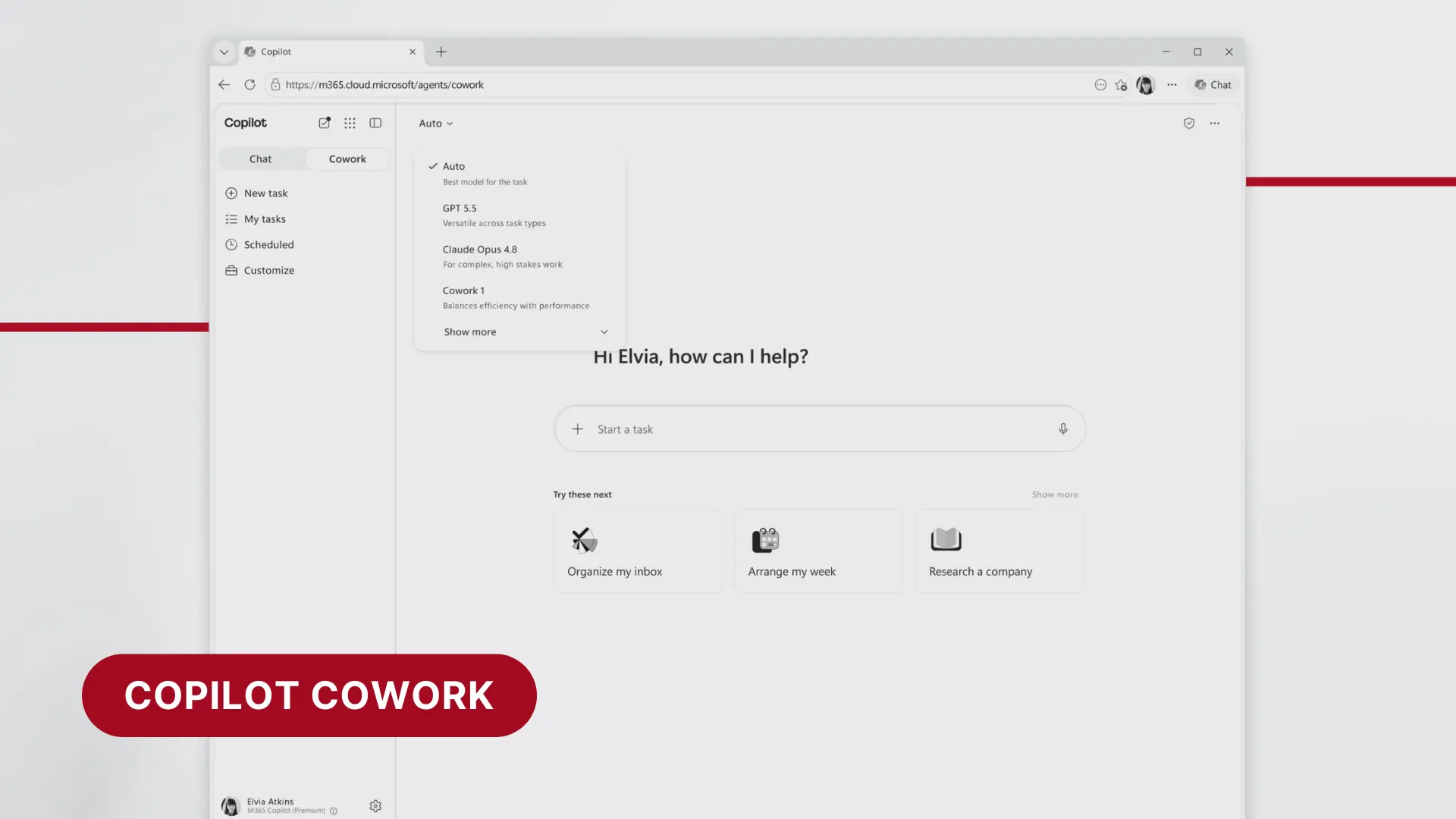
Microsoft released Copilot Cowork to general availability yesterday, and it's one of the more significant Microsoft 365 updates we've seen in some time.
If you haven't heard of it yet, you will. It's being positioned as Microsoft's answer to the growing number of AI tools businesses are using to handle complex, time-consuming work, and it's built directly into the Microsoft 365 environment your business already runs on.
Here's what it is, what's new, and what Australian businesses should know before their teams start using it.
Copilot Cowork is a new capability within Microsoft 365 Copilot that goes beyond answering questions or drafting content. It's designed to execute complex, multi-step tasks from start to finish, not just give you a draft to work from, but actually complete the work.
Think of it less like a chat assistant and more like a capable colleague you can hand a task to and walk away from. A few examples of what that looks like in a typical business:
What makes each of these possible is the same thing: Cowork isn't just generating text from a prompt. It's referencing the actual records, threads, and files inside your Microsoft 365 environment to inform what it produces.
Two things make Cowork different from a standard AI tool. First, it runs in the cloud and keeps working even when your laptop is off. Second, and more importantly for business use, it works with the context of your organisation. Because it operates inside your Microsoft 365 environment, it can draw on your actual files, emails, calendars, and Teams conversations to produce outputs that are grounded in your business, not generic answers built from public information alone.
That's the practical difference between asking an AI tool a question and having it actually understand the situation it's working in.
This launch doesn't exist in a vacuum. Microsoft is responding directly to the growing market for AI tools that can handle complex, autonomous work.
Tools like Claude (from Anthropic) and ChatGPT (from OpenAI) have become increasingly common in business environments, often used informally by staff to handle research, drafting, analysis, and more. Both now offer their own agentic capabilities that can take actions on your behalf across apps and data.
Microsoft's play with Cowork is to keep that work inside the Microsoft 365 environment, where it's subject to your existing security policies, compliance controls, and data governance, rather than being processed through a third-party platform that sits outside your IT boundary.
Microsoft also noted in their announcement that in their own testing, Copilot Cowork was 30 to 40 percent cheaper per prompt than using Claude's Cowork equivalent with the Microsoft 365 connector.
For businesses already paying for Microsoft 365 Copilot, this is a meaningful development. The capability to handle genuinely complex AI-driven work may already be available in the tools you're paying for, without needing a separate subscription to a third-party AI platform.
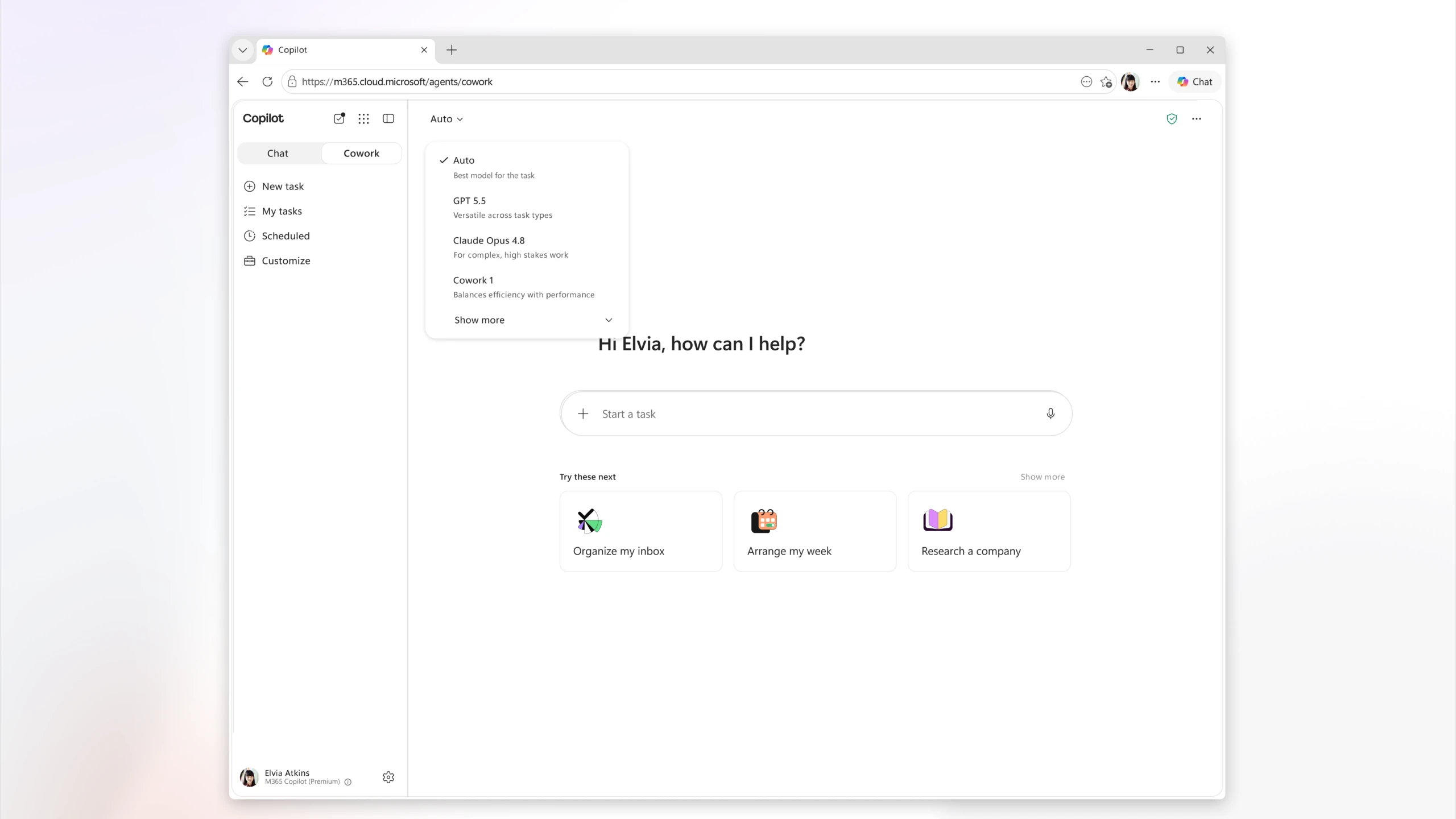
Beyond the core Cowork capability going generally available, Microsoft has shipped several updates worth knowing about.
A new toggle in the Microsoft 365 Copilot app:
You can now move directly from Copilot Chat into Cowork's full experience from within the app, making it faster to shift from asking a question to assigning a task.
Nine new partner plugins available now:
Cowork can now connect to and work within a growing list of business tools: Enosix, Harvey, LSEG, Miro, monday.com, Moodys, Morningstar, S&P Global Energy, and TeamsMaestro.
Eight more plugins coming soon:
Adobe, Atlassian, Box, Canva, CB Insights, Databricks, MoneyForward, and Templafy, plus the full Dynamics 365 suite including Sales, Customer Service, and ERP apps.
Browser use via Microsoft Edge:
Cowork can now browse the web through a local Edge browser, following the enterprise policies already in place for your users, meaning web research tasks can be delegated to Cowork without leaving your controlled environment.
New security and compliance capabilities:
This is the update that matters most for businesses with compliance or governance obligations.
Cowork now flows through your existing Microsoft 365 security controls:
For businesses in regulated industries or with data handling obligations, this is significant. Cowork isn't operating outside your compliance boundary. It's subject to the same controls as everything else in your Microsoft 365 environment.
This is the part that requires the most attention before your team starts using Cowork.
Unlike standard Microsoft 365 Copilot, which is a flat per-user monthly subscription, Cowork is billed on a usage basis. Charges are based on how much work Cowork actually performs, not how many seats you have licensed.
For straightforward tasks this is likely to be cost-effective. For complex, long-running tasks, the kind Cowork is specifically designed for, costs can accumulate depending on how the tool is used and by how many people.
Microsoft has built cost management controls into Cowork to help administrators set spending limits and monitor usage, but this is a billing model that warrants some thought before broad rollout.
This is a question we expect to hear from clients, so let's address it directly.
Yes, and it's one of the strongest arguments for Cowork over third-party AI tools.
When your team uses Claude, ChatGPT, or other external AI platforms, data sent to those tools leaves your Microsoft 365 environment and is processed on external infrastructure. Depending on the tool and the plan, that data may be used to train models or retained outside your control.
Copilot Cowork operates entirely within your Microsoft 365 trust boundary. Your data doesn't leave Microsoft's environment. It's subject to the same security policies, compliance controls, and data governance that apply to everything else in your Microsoft 365 tenancy, including the new audit, eDiscovery, and sensitivity label capabilities shipped with this release.
This also means Cowork can produce genuinely useful, contextualised outputs. Rather than working from only what you type into a prompt, it can reference the right documents, threads, and records from your environment to inform its work. The output reflects your business context, not just your question. That's a meaningfully different experience from a public AI tool that has no visibility into your organisation at all.
For businesses handling sensitive client information, operating under privacy obligations, or working in regulated industries, this combination of contextual intelligence and enterprise security is a meaningful distinction.
Copilot Cowork is genuinely significant. It's not a minor feature update. It's Microsoft moving into the space that tools like Claude and ChatGPT have been occupying, and doing it in a way that keeps everything inside the enterprise security boundary.
For businesses already on Microsoft 365 Copilot, it's worth understanding what's now available to you. For businesses that aren't yet on Copilot, this adds to the case for evaluating it.
That said, this is a day-one release. We're actively monitoring how it performs in real business environments and what the billing implications look like in practice. Our recommendation is to hold off on wide deployment for a couple of weeks while we get a clearer picture of how it behaves at scale.
If you're keen to explore it sooner, speak to us first. We can help ensure it's enabled in a way that keeps visibility over usage and spend from day one.
Get in touch with the Superior IT team
Or call us: +61 1300 93 77 49
Microsoft 365 Blog – Copilot Cowork is now generally available: https://www.microsoft.com/en-us/microsoft-365/blog/2026/06/16/copilot-cowork-is-now-generally-available/
Microsoft – Copilot Cowork overview: https://www.microsoft.com/en-us/microsoft-365-copilot/cowork
Microsoft – Microsoft 365 Copilot: https://www.microsoft.com/en-us/microsoft-365-copilot
If you're looking for more info or assistance, we're a call, email or message away.
App Development, Business & Tax, and Digital Marketing. Super Charge Your Growth.
Existing Customer Support Portal, speak to one of our experts in no time.